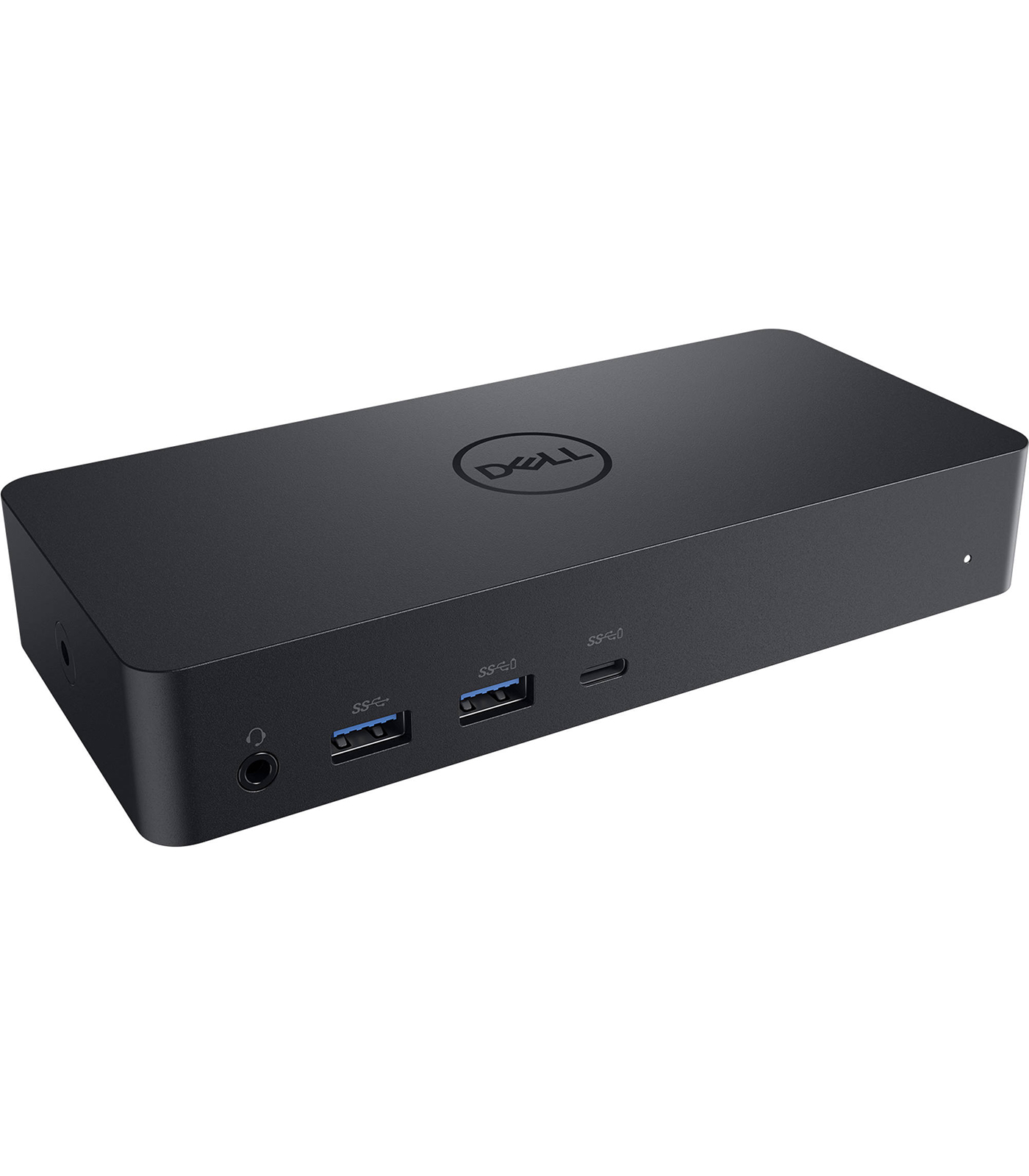
Dell Universal Dock D6000
Dell Universal Dock D6000
Description
Features
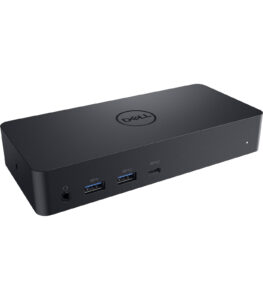
The Dell Universal Dock D6000 is a highly versatile and feature-rich docking solution designed to simplify connectivity and expand productivity for a wide range of users, from professionals in office environments to remote workers and digital creatives. Built to support USB-C and USB 3.0 connections, this dock offers broad compatibility not only with Dell laptops but also with other brands such as HP, Lenovo, Microsoft Surface, and Apple MacBooks that support USB-C with DisplayPort Alt Mode. This makes the D6000 a truly universal docking station, accommodating diverse IT environments with ease. It is particularly useful in mixed device ecosystems where users might alternate between Windows and macOS systems. The dock is designed to reduce cable clutter and provide a single point of connection for displays, network access, audio peripherals, external storage, and input devices, making it ideal for streamlined desk setups.
Display Capabilities and Resolution Support
One of the standout features of the Dell D6000 dock is its impressive display support. Leveraging DisplayLink technology, it can drive up to three 4K displays simultaneously or one 5K display through dual DisplayPort connections. Specifically, it supports up to three displays at 3840×2160 resolution at 60Hz, or a single display up to 5120×2880 at 60Hz when connected through dual DisplayPort cables. For users relying on high-resolution workflows—such as video editing, CAD design, or multitasking across several high-definition applications—this level of display performance is exceptional. The dock offers dual DisplayPort 1.2 outputs and one HDMI 2.0 output, allowing for flexible monitor arrangements. Additionally, with the support of DisplayLink drivers, the dock allows for extended or mirrored desktop configurations, suiting a variety of work styles and preferences.
Power Delivery and Charging
A significant advantage of the Dell D6000 dock is its robust power delivery capabilities. When connected via USB-C, the dock can provide up to 65W of power to charge the connected laptop, eliminating the need for a separate power adapter. This functionality is essential for users who want a clean desk with fewer cables and faster transitions between mobile and docked setups. It’s especially useful in enterprise settings where hot-desking and shared workspaces are common, as it allows users to plug in one cable and immediately begin working with full power, data, and display connections. However, when connected via USB 3.0 (Type-A), the dock will not provide power to the laptop but will still offer full functionality for data transfer and external display outputs, which is still useful for legacy systems that don’t have USB-C support.
Software and Driver Requirements
To take full advantage of the Dell D6000’s capabilities, especially for display output, users must install DisplayLink drivers. These drivers are available for Windows, macOS, ChromeOS, and even some Linux distributions. DisplayLink’s technology handles video compression and decompression over USB, enabling high-resolution multi-monitor support through a single USB connection. The installation process is straightforward, and updates are regularly provided to enhance performance and compatibility. For Windows users, the dock is supported on Windows 10 and later versions, while macOS support is available with additional configuration steps due to system integrity protection and permissions. Once the drivers are installed, the docking station generally works seamlessly, with minimal user intervention required to maintain functionality.
Performance and Real-World Use
In practical use, the Dell Universal Dock D6000 performs reliably across a variety of demanding scenarios. Whether you’re running multiple 4K monitors, transferring large files to external SSDs, or using several USB peripherals simultaneously, the dock maintains stability and high throughput. Users have reported smooth video playback and snappy performance even when connecting to multiple high-resolution displays, which is often a bottleneck for other docks. The Ethernet port offers consistent Gigabit speeds, ideal for VPN access and cloud-based workloads. Audio performance through the combo jack is clear and supports both communication and media playback needs. Furthermore, hot-swapping peripherals is seamless, and the system quickly recognizes newly connected devices without the need for restarting the dock or the host system. The dock also supports Wake-on-LAN and PXE boot through Ethernet, which are valuable features in enterprise deployment scenarios.
Build Quality and Design
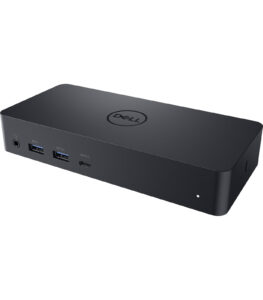 The Dell D6000 features a sleek, compact, and modern design that fits well in any professional workspace. Its matte black finish and minimalist aesthetics make it visually appealing, and it’s small enough to sit discreetly behind a monitor or underneath a laptop stand. Despite its compact footprint, the dock has a solid build quality with durable materials that are suitable for frequent plugging and unplugging. The device is passively cooled, meaning it operates silently with no internal fans, making it ideal for noise-sensitive environments like recording studios or quiet offices. The included 130W power adapter not only powers the dock itself but also supports connected peripherals and delivers power to the host laptop. The USB-C cable used for host connection is of generous length and offers flexibility in positioning the dock without creating desk clutter.
Enterprise and IT Deployment Benefits
For IT administrators managing large fleets of laptops, the Dell D6000 provides a future-proof and easy-to-deploy docking solution. Its universal compatibility means fewer models need to be stocked or supported, simplifying procurement and support logistics. The dock is compatible with Dell’s management tools such as Dell Client Command Suite and can be integrated into existing deployment workflows. Its compact design allows it to be neatly installed in hot-desking environments, shared meeting rooms, or mobile workstations. Since the D6000 can support both USB-C and USB-A, it serves as a bridge solution during transitions to newer hardware, allowing legacy and modern systems to coexist on the same infrastructure. Additionally, Dell’s support and warranty coverage ensure peace of mind in corporate environments, where uptime and reliability are critical.
Environmental and Sustainability Considerations
Dell has made sustainability a core part of its design philosophy, and the D6000 dock is no exception. The product is part of Dell’s broader strategy to reduce its environmental impact, with packaging that is largely recyclable and in compliance with international environmental regulations such as RoHS, WEEE, and ENERGY STAR. Its ability to reduce cable usage and minimize desk clutter also contributes to more energy-efficient and cleaner workspaces. Dell’s commitment to sustainability means that purchasing the D6000 aligns with broader environmental, social, and governance (ESG) goals for businesses aiming to reduce their carbon footprint.
Troubleshooting and Limitations
While the Dell Universal Dock D6000 is generally praised for its functionality, there are some limitations and known quirks. For example, macOS users may encounter restricted functionality, such as limited clamshell mode support or display mirroring constraints, due to how macOS handles external GPU rendering with DisplayLink. Additionally, high CPU usage has occasionally been reported during 4K video playback over DisplayLink, as video data is compressed and decompressed in real time. Users are advised to keep their DisplayLink drivers updated to mitigate performance issues. Another consideration is that the dock does not support Thunderbolt 3 or 4 speeds, so users needing maximum bandwidth for high-speed storage may prefer a Thunderbolt-compatible dock instead. Despite these minor trade-offs, the D6000 continues to be a top pick for general productivity, especially in environments where high-end graphics or gaming are not the primary focus.
the Dell Universal Dock D6000 stands out as a flexible, reliable, and feature-rich docking station that accommodates a wide array of devices and user needs. Its universal USB-C and USB 3.0 compatibility, ability to drive up to three 4K monitors, comprehensive port selection, and robust build quality make it a popular choice for both individual users and enterprise deployments. Whether you’re a professional juggling multiple displays, a remote worker looking to declutter your setup, or an IT manager standardizing hardware across departments, the D6000 delivers performance, convenience, and longevity. While not perfect for every use case—particularly those demanding Thunderbolt-level throughput or full GPU acceleration—it offers an excellent balance of features and value. With regular driver updates, strong Dell support, and a sleek, unobtrusive design, the D6000 remains one of the most well-rounded docking stations on the market today.
Connectivity and Ports
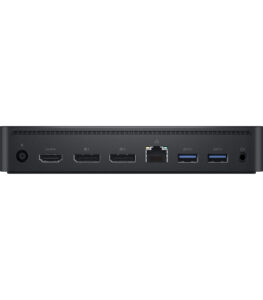 The Dell Universal Dock D6000 is thoughtfully equipped with a wide array of ports to support modern and legacy peripherals. It features four USB 3.0 Type-A ports, one USB-C 3.1 Gen 1 port (for data and device charging), a Gigabit Ethernet port for reliable wired internet connectivity, a combo audio/mic jack for headsets, and three video output options—two DisplayPort 1.2 ports and one HDMI 2.0 port. The inclusion of USB-C for upstream connection to laptops means that users can take advantage of faster data transfer speeds and support for up to 4.5A of charging power. For legacy devices or those still using USB-A interfaces, the D6000 ensures full backward compatibility, allowing users to connect their traditional peripherals like mice, keyboards, printers, and USB drives effortlessly. Furthermore, the Gigabit Ethernet port ensures low-latency internet connections, which is crucial for tasks like video conferencing, large file transfers, and online collaboration.