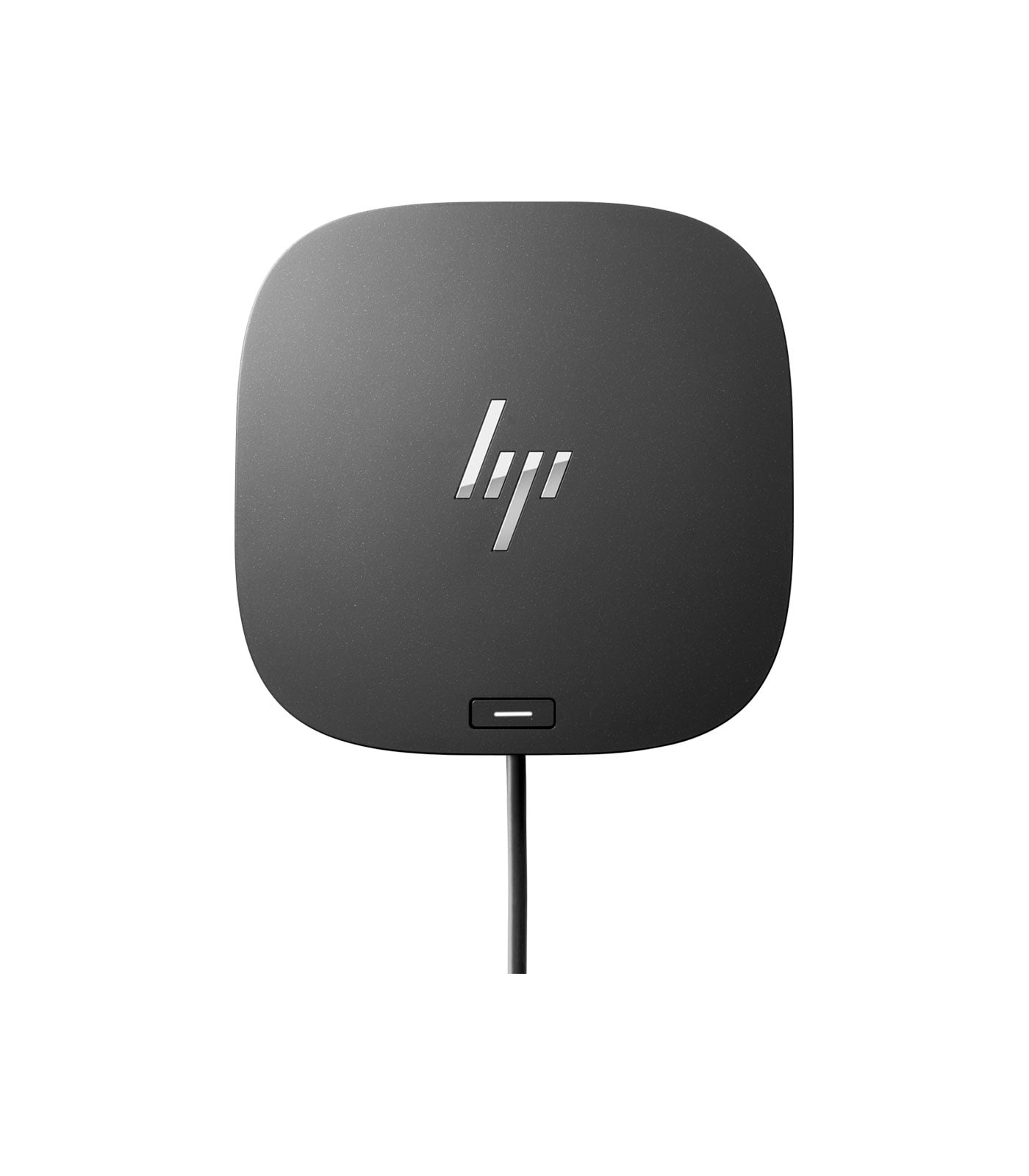
HP USB-C/A Universal Dock G2
HP USB-C/A Universal Dock G2
Description
Features
 In the modern workspace, convenience and productivity go hand in hand, and connectivity solutions play a vital role in achieving these goals. The HP USB-C/A Universal Dock G2 is a powerful tool that caters to both personal and professional setups, offering a one-stop solution for connecting multiple devices and enhancing productivity. This docking station is designed for flexibility and efficiency, enabling users to connect various devices like monitors, storage, and peripherals effortlessly, while also providing power delivery to keep your devices charged. Here, we’ll dive into the features, compatibility, setup, and benefits of the HP USB-C/A Universal Dock G2, and why it stands out as a premium docking solution.
HP USB-C/A Universal Dock G2
The HP USB-C/A Universal Dock G2 is a compact and sleek docking station that addresses the need for a unified workspace. With this dock, HP has combined extensive functionality with simplicity, making it easier than ever to connect, charge, and use multiple devices. Whether you’re connecting to a laptop or desktop, this docking station is designed to handle all of your connectivity needs through a single hub.
Designed with versatility in mind, the Dock G2 is compatible with both USB-C and USB-A devices, making it suitable for a range of laptops, including both new and older models. This compatibility ensures a wide application across various device brands, making it an excellent choice for companies or individuals with multiple device types.
Design and Build: Compact and Durable
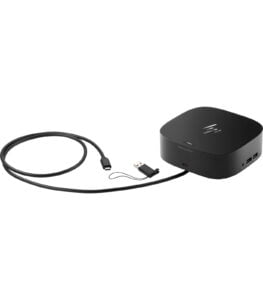 The HP USB-C/A Universal Dock G2 is compact and lightweight, which makes it a perfect addition to any workspace, whether at home or in a professional office environment. The design is modern and minimalist, featuring a matte black finish that seamlessly blends into any workspace. Its compact size ensures it doesn’t take up too much desk space, and its weight adds stability, so it stays firmly in place even when multiple cables are connected.
The layout of the dock is practical, with ports positioned in both front and back for easy access. The front-facing ports allow users to quickly connect temporary devices, like USB drives or headphones, without having to reach around the dock. This convenience is particularly beneficial for those who frequently switch between devices and peripherals.
Compatibility: USB-C and USB-A Support
One of the unique selling points of the HP USB-C/A Universal Dock G2 is its compatibility with both USB-C and USB-A laptops. This flexibility means that whether you have a newer model with USB-C connectivity or an older laptop with USB-A, the Dock G2 can accommodate your setup. This broad compatibility ensures that the dock is future-proof, allowing you to continue using it even as you upgrade your laptop or desktop.
For businesses, this feature is a significant advantage as it reduces the need for multiple docking solutions for a mixed fleet of devices. Instead, a single dock can meet the needs of users with varying device generations, making it a cost-effective solution for larger deployments.
Multi-Monitor Support: Productivity Enhanced
For users who need multiple monitors for their work, the HP USB-C/A Universal Dock G2 offers a robust solution. The dock supports up to three external displays through two DisplayPorts and one HDMI port. Whether you’re a designer needing an extended workspace or an analyst working across multiple screens, the ability to connect multiple monitors enhances workflow efficiency and multitasking capabilities.
The dock supports up to 4K resolution for each connected monitor, ensuring that users enjoy sharp and vibrant visuals. This capability makes it ideal not only for productivity-focused tasks but also for creative professionals who require high-resolution displays for design and video editing.
Power Delivery: Stay Charged While You Work
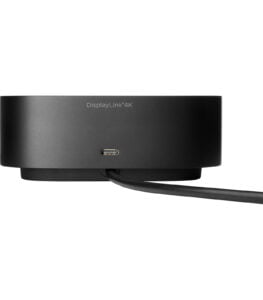 One of the critical features of the HP USB-C/A Universal Dock G2 is its power delivery capability. The dock includes a 120W power adapter, which not only powers the dock itself but can also charge connected laptops and devices. For USB-C compatible laptops, this power delivery feature means that you can charge your laptop while it’s connected to the dock, reducing the need for multiple chargers.
This feature is particularly useful for users who rely on their laptop’s battery life throughout the day. The dock ensures that your laptop stays powered, even with several connected peripherals. This setup helps maintain a tidy workspace, as you only need one main power source for both the dock and your laptop.
Setup and User Experience
Setting up the HP USB-C/A Universal Dock G2 is a straightforward process. The dock connects to your laptop through either the USB-C or USB-A cable, which is included in the package. Once connected, the dock typically requires no additional software installation on most Windows or macOS systems, making it a plug-and-play solution.
The user-friendly design also makes it easy to plug in and unplug devices as needed. With quick access ports on the front, you can connect temporary devices like flash drives without having to move or adjust the dock. This feature is especially beneficial for busy professionals who frequently switch between different peripherals.
Enterprise-Ready Security and Manageability
The HP USB-C/A Universal Dock G2 is designed with enterprise security in mind. It includes a lock slot, which allows you to secure the dock physically to your desk or workspace. This is particularly important in office settings or shared spaces, where it can help prevent theft and unauthorized access.
For IT departments, the dock also offers remote manageability, allowing administrators to configure and update dock settings via HP’s Device Manager software. This feature is valuable for businesses that need centralized control over their devices, making the Dock G2 an excellent choice for enterprise environments.
Environmental Commitment
HP has made strides in ensuring that the USB-C/A Universal Dock G2 aligns with environmental standards. The dock is ENERGY STAR® certified and EPEAT® registered, meaning it meets strict guidelines for energy efficiency and environmental sustainability. HP’s commitment to reducing its carbon footprint is reflected in the Dock G2, making it a choice that aligns with eco-friendly practices.
For companies and individuals who are conscious of their environmental impact, the Dock G2’s energy-efficient design and compliance with sustainability certifications make it a responsible choice.
Extensive Connectivity Options
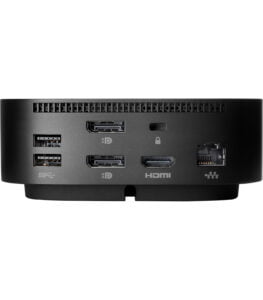 The HP USB-C/A Universal Dock G2 offers a comprehensive set of ports to cover virtually all connectivity needs. Here’s a breakdown of its impressive array of ports:
- 2 USB-C Ports: One USB-C port for connecting to your laptop and another front-facing USB-C port for connecting other devices.
- 3 USB-A 3.0 Ports: These provide fast data transfer and easy connectivity for standard USB peripherals like keyboards, mice, and external hard drives.
- 2 DisplayPorts and 1 HDMI Port: Supporting up to three external displays, these ports make it easy to extend your screen space. Users can connect multiple monitors for an efficient, multitasking-friendly setup.
- Ethernet Port: The Gigabit Ethernet port ensures fast and reliable internet connectivity, which is particularly useful in office environments where a stable internet connection is crucial.
- Audio Combo Jack: The dock includes a 3.5mm audio combo jack for headphones or external speakers, allowing users to manage their audio needs directly from the dock.
This array of connectivity options makes the Dock G2 a powerful central hub for all your devices, supporting everything from monitors and storage devices to audio accessories, all through a single dock.
you can also view this product: HP USB-C Dock
You may want to assess this product further: HP Dock