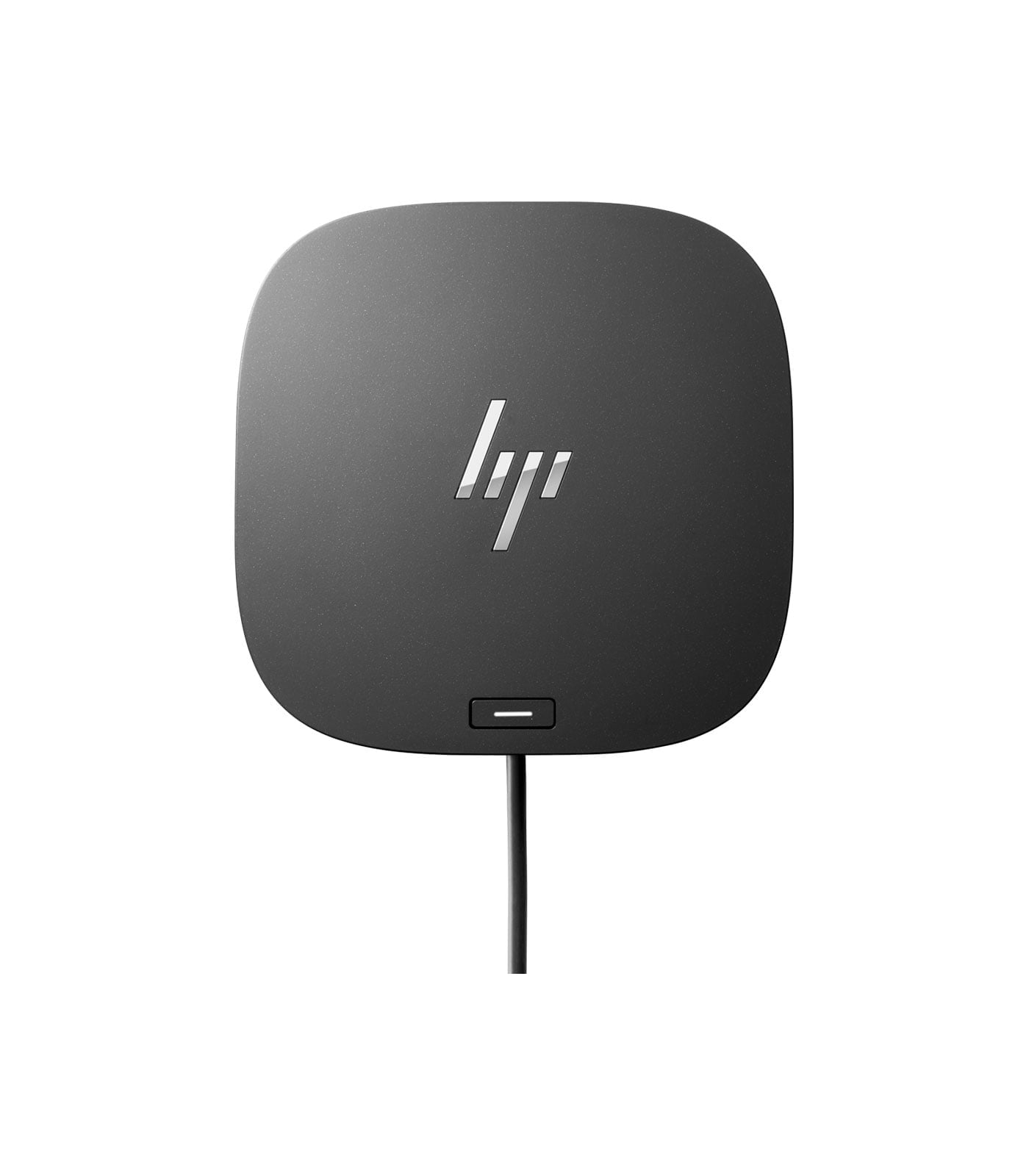
HP USB-C Dock G5 for Business
HP USB-C Dock G5 for Business
Description
Features
In today’s work environment, whether it’s a home office, a hybrid setup, or an office workstation, connectivity is essential. Having multiple devices connected seamlessly to one hub not only enhances productivity but also simplifies workflow. The HP USB-C/A Universal Dock G2 is designed with these needs in mind, providing a comprehensive, versatile docking solution that supports a wide range of devices and use cases. This dock caters to professionals who need to connect laptops, monitors, peripherals, and more—all with the flexibility of a single, compact dock.
Design and Build Quality
The HP USB-C/A Universal Dock G2 has a compact, sleek design that doesn’t take up too much desk space, making it ideal for both home offices and professional environments. Encased in a matte black finish, the dock is subtle and professional, easily blending into any office setup. Its build quality is sturdy, so you won’t have to worry about the dock wearing out quickly with daily use.
One of the key design features of the Dock G2 is its compact and lightweight nature, which makes it easy to move around as needed. Additionally, the design is user-friendly, with easy-access ports on both the front and back, making it simple to connect and disconnect devices without having to rearrange your setup.
Versatile Compatibility: USB-C and USB-A Support
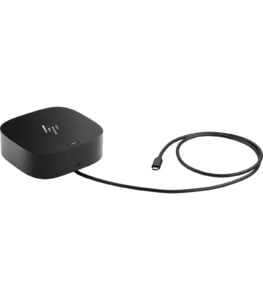 One of the standout features of the HP USB-C/A Universal Dock G2 is its support for both USB-C and USB-A connections. This dual compatibility allows the dock to work with a wide range of laptops, not just those with USB-C ports. Whether you’re using a newer HP laptop with USB-C, an older model with USB-A, or even a non-HP device, the Dock G2 provides flexibility and adaptability for a variety of devices and brands.
This feature also makes it a valuable investment for businesses with a mix of older and newer laptops in their fleet, as it minimizes the need for multiple types of docks or adapters.
Multi-Monitor Support: Expand Your Screen Space
For professionals who need to work on multiple monitors, the HP USB-C/A Universal Dock G2 provides robust multi-monitor support. The dock can support up to three external displays, offering two DisplayPorts and one HDMI port. This feature is ideal for tasks that benefit from extended screen space, such as graphic design, programming, data analysis, and multitasking between various applications.
The dock supports up to 4K resolution on each connected monitor, ensuring crisp visuals and an enhanced viewing experience. It’s a great way to boost productivity by allowing users to work across several applications without constantly switching between windows.
Power Delivery: Keep Your Devices Charged
Another key feature of the HP USB-C/A Universal Dock G2 is its Power Delivery (PD) support. The dock includes a 120W power adapter, which not only powers the dock itself but also charges connected laptops and devices. For USB-C compatible laptops, this means you can charge your laptop and other connected devices without needing separate chargers.
This feature is particularly beneficial for users who rely on their laptop’s battery life throughout the day. With the Dock G2, you can have peace of mind knowing that your laptop stays charged while you work, even with multiple peripherals connected. It’s an efficient, streamlined way to ensure that your devices are always ready to go.
Setup and Ease of Use
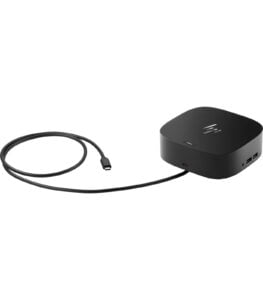 Setting up the HP USB-C/A Universal Dock G2 is straightforward. Simply connect the dock to your laptop using either the USB-C or USB-A cable, plug in the power adapter, and you’re ready to go. For first-time setup, Windows and macOS systems typically detect the dock automatically and install the necessary drivers without additional software.
The user-friendly design also makes it easy to plug in and unplug devices as needed. Thanks to the front-facing USB ports, you can quickly connect flash drives or other temporary devices without reaching behind the dock. The dock’s layout is well thought out, with ports organized in a way that avoids cable clutter and keeps your workspace tidy.
Compatibility with HP and Non-HP Devices
Although the HP USB-C/A Universal Dock G2 is marketed as an HP product, it works seamlessly with non-HP laptops and devices as well. This makes it an excellent option for mixed device environments, where users might have laptops from various manufacturers. The dock’s universal compatibility ensures that it performs well regardless of brand, making it a versatile choice for businesses and home users alike.
For HP laptop users, the dock offers additional optimizations and compatibility features, but it still performs reliably with other brands, ensuring that users can benefit from its capabilities without worrying about brand limitations.
Enhanced Security: A Business-Ready Solution
For businesses, security is a priority, and the HP USB-C/A Universal Dock G2 includes a lock slot that allows you to physically secure the dock to your desk. This is particularly valuable for environments where the dock may be used in shared workspaces or areas with high foot traffic. This added layer of physical security helps protect both the dock and the valuable devices connected to it.
Additionally, for IT departments, the dock offers easy management options, allowing administrators to update and manage dock settings through HP’s Device Manager software. This makes the Dock G2 an ideal choice for enterprise environments where device management is essential.
Connectivity: All-in-One Solution
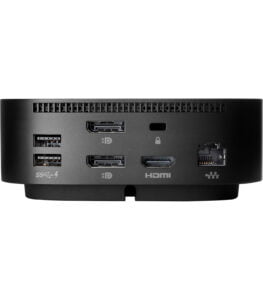 The HP USB-C/A Universal Dock G2 is packed with an impressive range of ports to support a variety of devices. Here’s a breakdown of the connectivity options:
- 2 USB-C Ports – One USB-C upstream port for connecting to your laptop, and one USB-C port on the front for connecting other USB-C devices.
- 3 USB-A Ports – Three USB-A 3.0 ports allow you to connect a variety of peripherals, from keyboards to mice to external storage drives.
- 1 Ethernet Port – The dock includes a Gigabit Ethernet port, providing reliable and fast internet connectivity for a stable wired connection.
- 2 DisplayPorts and 1 HDMI Port – The dock offers two DisplayPorts and one HDMI port for connecting up to three external displays. This is particularly beneficial for those who need multiple monitors to multitask efficiently.
- Audio Combo Jack – A 3.5mm audio jack provides support for connecting headphones or external speakers for better audio quality.
- Power Adapter Port – The dock includes a 120W power adapter that not only powers the dock itself but can also charge connected devices.
This extensive range of connectivity options makes the Dock G2 a true all-in-one solution, covering almost every need in a modern workspace.