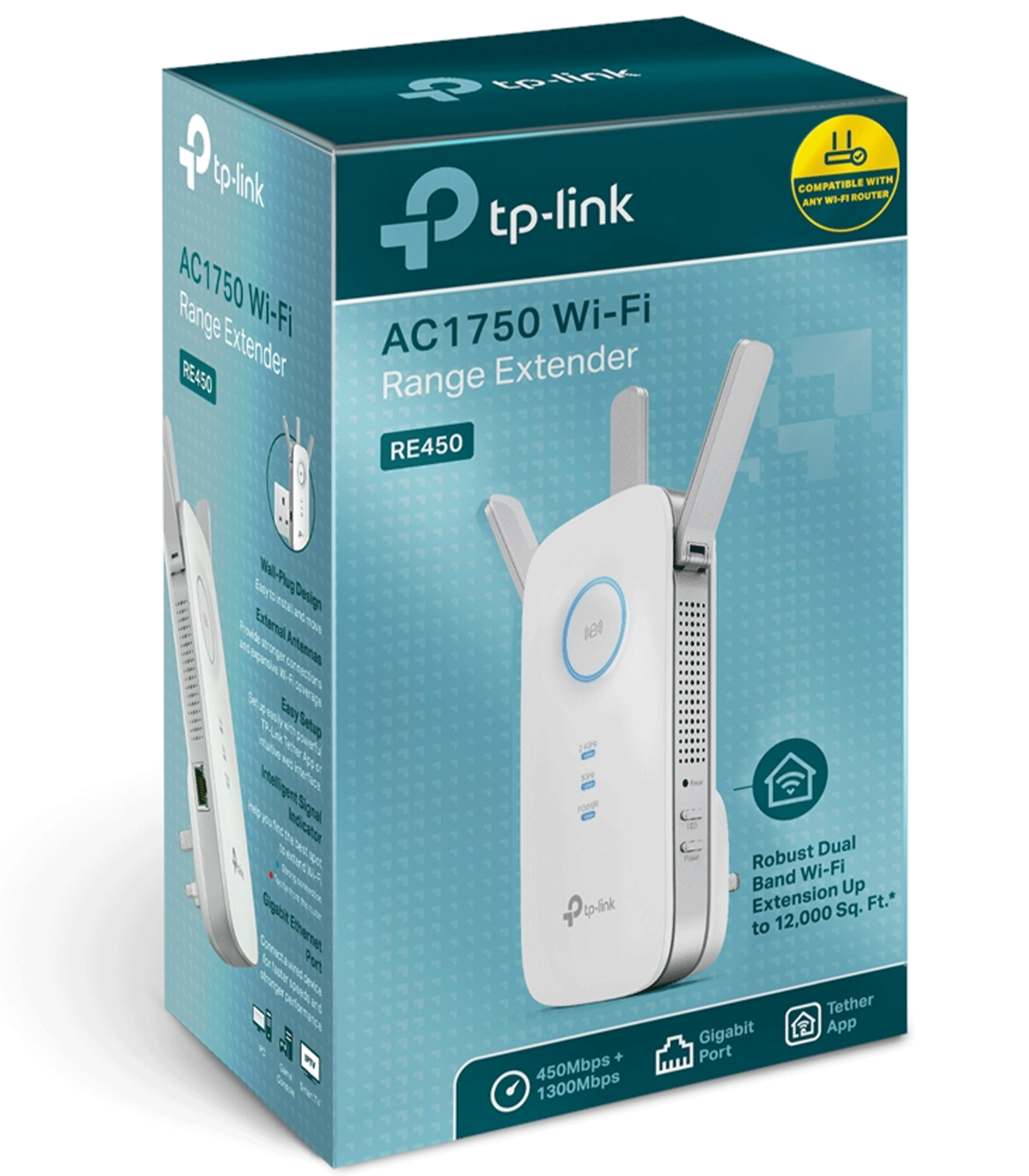
TP-Link AC1750 Dual Band Wi-Fi Range Extender – RE450 V1
TP-Link AC1750 Dual Band Wi-Fi Range Extender – RE450 V1
Description
Features
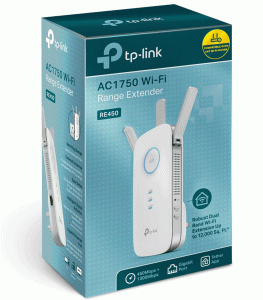 The TP-Link AC1750 Dual Band Wi-Fi Range Extender, model RE450 V1, is a powerful and efficient solution designed to enhance wireless coverage and eliminate dead zones in your home or office. Equipped with dual-band technology, high-speed performance, and a user-friendly setup process, the RE450 V1 is ideal for users who require reliable connectivity for gaming, streaming, and general internet browsing. As a widely recognized networking device, it extends Wi-Fi signals to hard-to-reach areas, ensuring seamless connectivity across multiple devices. This model is especially beneficial for homes and businesses that struggle with weak wireless signals due to distance, thick walls, or other obstacles. With its high-gain external antennas, robust security protocols, and compatibility with various routers, the RE450 V1 is a versatile and practical choice for improving wireless networks.
Design and Build Quality
The TP-Link RE450 V1 features a sleek, modern design with a compact form factor that allows it to blend seamlessly into any environment. The white casing with blue LED indicators provides a stylish yet functional appearance, making it easy to monitor the device’s status at a glance. The extender comes with three adjustable external antennas that optimize signal reception and transmission, ensuring maximum coverage and improved network stability. It is designed to be plugged directly into a standard wall outlet, eliminating the need for additional desk space. The RE450 V1 also includes a Gigabit Ethernet port, allowing users to connect wired devices such as gaming consoles, smart TVs, or desktop computers for high-speed internet access. The overall build quality is solid, with durable materials that ensure longevity and reliability. The device also features ventilation slots to prevent overheating, ensuring stable performance even during extended use.
Wireless Performance and Speed
The TP-Link AC1750 RE450 V1 offers impressive wireless performance, providing combined speeds of up to 1750 Mbps. It operates on dual-band frequencies, delivering up to 450 Mbps on the 2.4GHz band and up to 1300 Mbps on the 5GHz band. This ensures smooth and lag-free performance for bandwidth-intensive activities such as 4K streaming, online gaming, and large file downloads. The extender utilizes TP-Link’s advanced signal boosting technology to amplify weak signals and extend coverage up to 10,000 square feet. This makes it an excellent choice for multi-story homes, large offices, or outdoor areas where Wi-Fi coverage is typically weak. The device also supports beamforming technology, which helps direct Wi-Fi signals towards connected devices rather than broadcasting signals indiscriminately. This targeted approach improves connection stability, reduces interference, and enhances overall network efficiency. With its high-speed performance and intelligent signal management, the RE450 V1 significantly improves the wireless experience for all connected devices.
Setup and Configuration
Setting up the TP-Link RE450 V1 is a straightforward process, designed to be user-friendly for both beginners and advanced users. The easiest method is using the WPS (Wi-Fi Protected Setup) button. By pressing the WPS button on both the extender and the router, users can establish a secure connection within minutes without the need for complex configurations. For manual setup, TP-Link provides a web-based interface accessible via a browser on any connected device. Users simply need to enter the default IP address (192.168.0.254) or the provided URL (tplinkrepeater.net) to access the extender’s settings. The interface guides users through the setup process, allowing them to choose the appropriate Wi-Fi network, set passwords, and optimize placement. Additionally, TP-Link offers the Tether app for iOS and Android devices, which provides a convenient way to manage and monitor the extender remotely. The app includes features such as network status monitoring, signal strength optimization, and firmware updates, ensuring users have full control over their network at all times.
Security Features
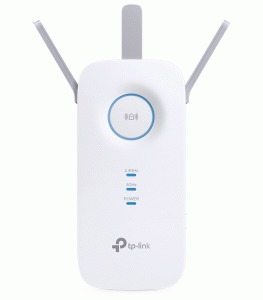 Security is a crucial aspect of any networking device, and the TP-Link RE450 V1 comes equipped with robust security features to protect users from cyber threats. It supports WPA-PSK, WPA2-PSK, and WEP encryption protocols, ensuring that unauthorized users cannot access the network. The device also includes MAC address filtering, allowing users to control which devices are permitted to connect to the extender. The web-based interface and Tether app provide additional security options, such as password management, firmware updates, and remote access controls. By regularly updating the firmware, users can ensure that their extender remains protected against the latest security vulnerabilities. The RE450 V1 also features LED indicators that help users identify potential connection issues, such as weak signals or unauthorized access attempts. With these security measures in place, users can enjoy a safe and reliable internet experience without compromising their personal data.
Optimal Placement and Signal Optimization
For the best performance, proper placement of the TP-Link RE450 V1 is essential. The extender should be positioned halfway between the router and the area where the Wi-Fi signal is weak. The device’s intelligent signal indicator helps users find the optimal location by displaying blue and red LEDs. A blue light indicates a strong connection, while a red light suggests that the extender is too far from the router and needs to be repositioned. Avoid placing the extender near electronic devices that may cause interference, such as microwaves, cordless phones, or Bluetooth speakers. Additionally, walls, metal objects, and furniture can impact signal strength, so it is recommended to position the extender in an open space with minimal obstructions. By carefully selecting the placement and using the signal strength indicators, users can maximize the performance and coverage of their Wi-Fi network.
Troubleshooting and Common Issues
Despite its advanced technology, users may occasionally encounter issues with the TP-Link RE450 V1. One of the most common problems is weak signal strength, which can often be resolved by repositioning the extender closer to the router. If the device fails to connect to the network, performing a factory reset by holding the reset button for 10 seconds can help restore default settings and resolve connectivity issues. Users experiencing slow speeds should check for interference from other wireless devices and ensure that their extender is operating on the optimal frequency band. The 5GHz band typically provides faster speeds with less interference, while the 2.4GHz band offers better range. Firmware updates can also improve performance and fix known bugs, so it is advisable to regularly check for updates via the web interface or the Tether app. If the extender is still not functioning properly, TP-Link’s customer support and online forums provide additional troubleshooting assistance and technical support.
The TP-Link AC1750 Dual Band Wi-Fi Range Extender RE450 V1 is a high-performance networking device designed to improve wireless coverage, eliminate dead zones, and enhance internet speeds in homes and offices. With its dual-band technology, easy setup process, universal compatibility, and robust security features, it offers an excellent solution for users struggling with weak Wi-Fi signals. Whether you need to extend your Wi-Fi for seamless streaming, gaming, or work, the RE450 V1 provides a reliable and efficient solution. Its sleek design, powerful antennas, and user-friendly interface make it a standout choice among Wi-Fi extenders. By optimizing placement, keeping the firmware updated, and utilizing its advanced features, users can significantly enhance their wireless experience. Overall, the TP-Link RE450 V1 is a valuable investment for anyone looking to improve their home or office network, ensuring stable and high-speed connectivity across multiple devices.
Compatibility and Connectivity
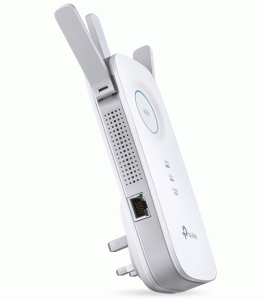 One of the key advantages of the TP-Link RE450 V1 is its universal compatibility with virtually all Wi-Fi routers and access points. Whether you are using a TP-Link router or a device from another brand, the extender seamlessly integrates into existing networks without any issues. It supports various wireless standards, including 802.11ac, 802.11n, 802.11g, and 802.11b, making it suitable for a wide range of devices, from older laptops to the latest smartphones and smart home gadgets. The inclusion of a Gigabit Ethernet port further enhances its versatility, allowing users to create a fast and stable wired connection for devices that require consistent speeds, such as gaming consoles, streaming devices, and workstations. The RE450 V1 also supports access point mode, enabling users to convert a wired network connection into a wireless signal, effectively transforming the extender into a secondary router. This flexibility ensures that the device can adapt to various networking needs, making it a valuable addition to any home or office setup.